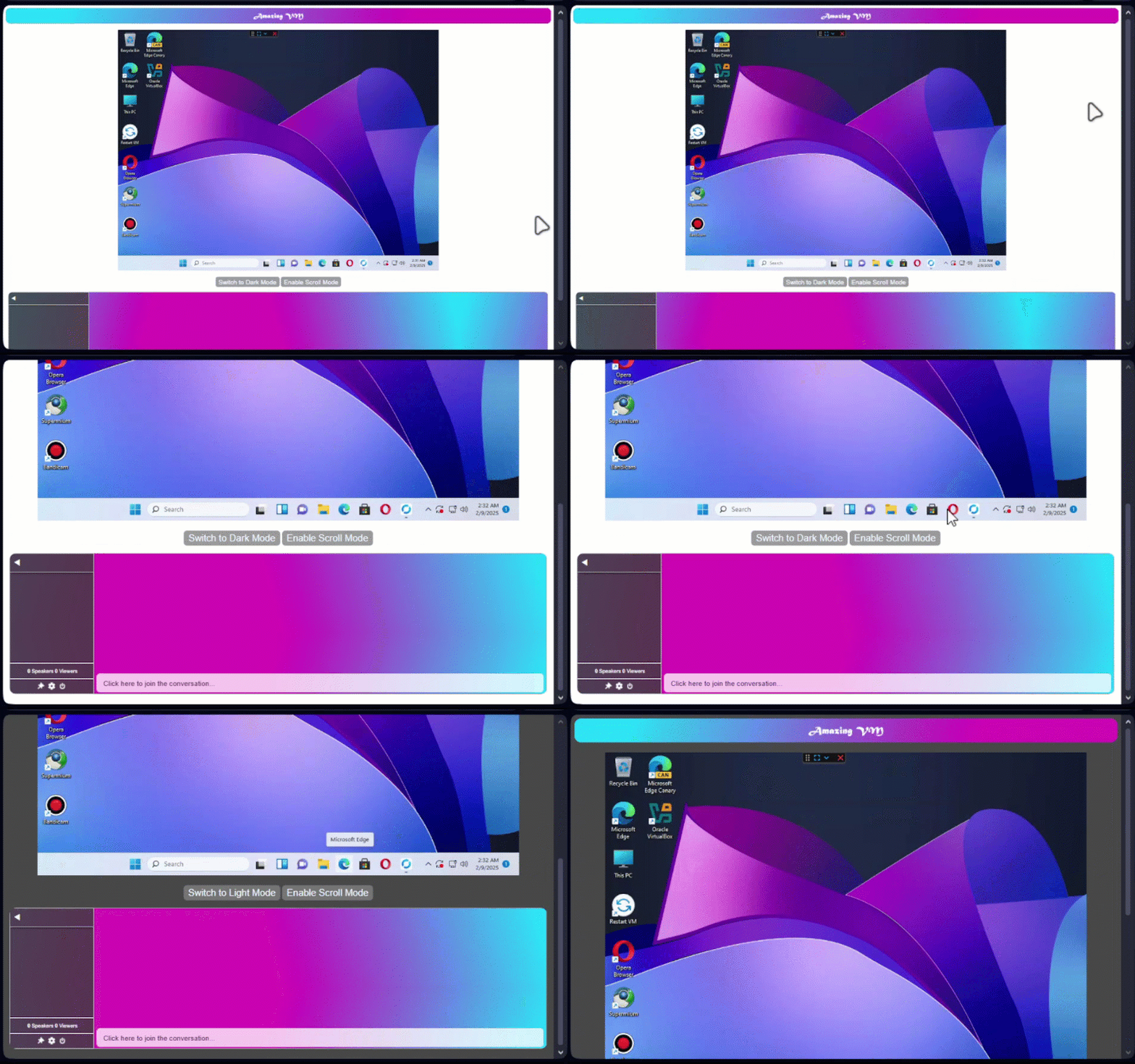
Switch to Dark Mode
VM1
VM2
VM3
VM4
VM5
VM6
VM7
VM8
VM9
Temp VM
New VM
Rules
Translator
VM informer
Stickers
Outlook
Discover
×
Remote Adress :
Password :
Remote Adress :
Password :
OS: Windows 11 Atlas OS
Owner: MZharith
Close
×
Rules
1. No disconnects or uninstalling AnyDesk/RustDesk. Let others use VM.
2. Only TempVM info in TempVM. No extra messages.
3. Be kind. No insults or bad words.
4. No Shutdown or unneccessary restart. Keep VM stable specially when owner is busy or away.
5. No OS resets. Remote apps must stay active.
6. No lock screen passwords. They block access.
7. No NSFW. It harms mental health and privacy.
8. No chat spam. Respect others and keep peace.
Close
×
# Host your VM in exchange of some useful & knowledgeable files.
# Your information will go in AmazingVM's History including your YouTube Channel & other Link
# Contact the AmazingVM for Hosting VM
• Create Your Master VM, - Set up your VM with all tools, OS, RustDesk and Anydesk installed.
• Share the VM: - Open RustDesk and Anydesk on the VM. - Send the ID + password to AmazingVM admin.
• Clone the VM: -Shutdown VM and clone it, -And People will use Clone.
• If the clone gets infected or broken: - Delete it. - Reclone from the OrignalVM.
🔒 Pro Tip: Use snapshots for faster rollback. - Keep your OrignalVM VM offline or locked.
Close
×
Close
×
×
VM Info:
Temp VM's
×
History:
×
Temp VM's & Info:
Close
×
Key
Action
A TO I
VM1-9
U
Temp VM
+
New VM
R
Rules
L
Translator
V
VM informeR
S
Stickers
O
Outlook
D
Discover
X
Light / Dark mode
On Windows, pressing Alt + [key] will activate the action, On Mac, it's usually Control + Option + [key]
Close
×
Other amazingvm sites
AmazingVM Door (Open AmazingVM from this link when website won't work)
AmazingVM Search
AmazingVM tabs
AmazingVM's History of VM's
Shortcut keyboard keys
Rules
Discord
Privacy Note
Update detected!
Update detected on 6:11 AM 11/23/2025
Cancel
Refresh